

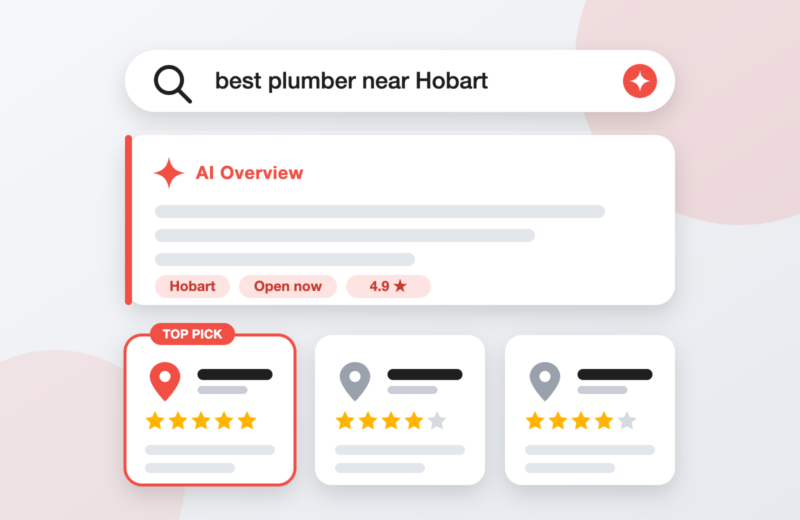


Can Small Budgets Really Work for Online Ads?
Yes, if you’re strategic. Many Tasmanian business owners assume paid advertising is only for big brands, but platforms like Meta (Facebook and Instagram) and Google Ads let you target people by location, interest and intent, so even a modest daily budget can reach the right people.
The difference between wasted spend and real results is rarely the size of the budget. It’s clear goals, tight targeting, good tracking and steady testing.
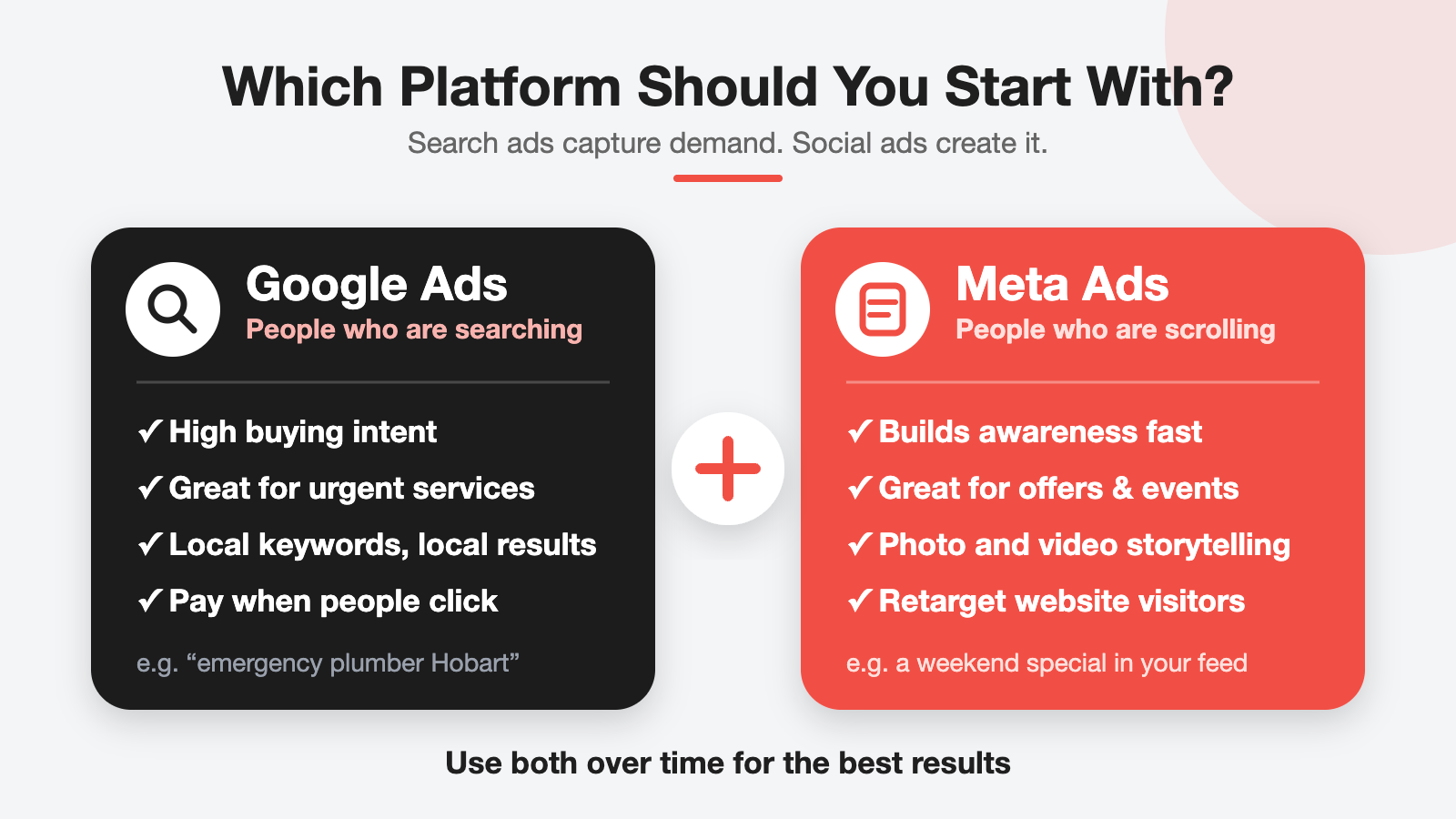
Meta Ads vs Google Ads: Which Should You Start With?
- Google Ads – reaches people who are actively searching (“emergency plumber Hobart”). Best for urgent or high-intent services.
- Meta Ads – puts your business in front of people while they scroll. Best for building awareness, promoting offers, events and visually appealing products.
- Use both over time – Google captures demand that already exists, and Meta helps create it and keeps you front of mind.
Six Steps to Make a Small Ad Budget Work Harder
1. Pick One Clear Goal
Trying to get calls, followers, website visits and sales all at once spreads your budget thin. Choose one outcome for each campaign:
✅ Phone calls or enquiry forms
✅ Bookings or appointments
✅ Online sales
✅ Event or offer sign-ups
→ Tip: If you can’t describe your goal in one sentence, the campaign isn’t ready yet.
2. Target Locally and Specifically
Tasmania is a small market, so precision matters. Limit your ads to the suburbs or regions you actually serve, and use search keywords that include your service and location. On Google, add negative keywords (like “free” or “jobs”) to avoid paying for clicks that will never convert.
→ Tip: Start with a tight radius around your business and expand only once you see results.
3. Send Clicks to a Page Built to Convert
A great ad leading to a confusing page wastes money. Your landing page should:
✅ Match the message of the ad
✅ Load quickly on mobile
✅ Have a clear call-to-action button and a click-to-call number
✅ Show reviews and proof that you’re trustworthy
→ Tool to Use: Check your page speed with Google PageSpeed Insights.
4. Set Up Tracking Before You Spend
If you can’t see which ads produce enquiries, you’re guessing. Install the Meta Pixel, set up Google Analytics 4 and create conversion tracking for calls, form submissions and purchases before launch.
→ Tip: Test every form and button yourself after setup to confirm the conversions are recorded.
5. Test a Few Ads, Then Back the Winners
Run two or three ad variations with different images, videos or headlines. Give them enough time and budget to gather data (usually a couple of weeks rather than a couple of days), then pause the weakest and put more budget behind the best performer.
→ Tip: Change one thing at a time, so you know what made the difference.
6. Review Weekly and Follow Up With Retargeting
Spend ten minutes each week checking cost per enquiry, click-through rate and which locations perform best. Then use retargeting to show a friendly reminder to people who visited your website or engaged with your page but didn’t get in touch.
→ Tip: Retargeting audiences are small, so a low daily budget is usually enough.
Common Mistakes to Avoid
✖ Boosting posts without a goal or targeting
✖ Switching campaigns off after a few days
✖ Sending traffic to your home page instead of a focused landing page
✖ Ignoring enquiries, because slow replies waste ad spend
✖ Judging success on clicks instead of real leads and sales
→ Remember: your budget needs to be big enough to gather useful data. If it’s too small to test properly, start with one platform and one campaign.
With the right setup, a small, well-managed ad budget can bring in real enquiries for your Tasmanian business. We Solve For You plans, builds and manages Meta and Google Ads campaigns for local businesses, with clear reporting on what you’re getting for your spend. Contact us today for a free chat about your goals!